A banner the moment it arrives.
Connect Gmail and Google Calendar, read only. New mail shows who it is from and the subject, and meetings come with a Join button.

Your plan, your focus, your music and your tasks, live at the top of the screen. Plan by talking. Everything stays on your computer.
Free. This is the real app, recorded on a real Mac.
Point at the notch and it opens. Move away and it tucks back in. Every recording here is the real app, with nothing staged.
Each morning the island asks what needs doing. Type it, or talk to the AI and say everything you want to get done.
A focus session grows a tree in the island. Finish it and it stays in your garden. Give up and it withers.
Copy a screenshot and the island asks whether to keep it in the Tray or save it somewhere. Drag a file toward the notch and your folders appear.
Artwork, scrubber and controls for Music, Spotify or a song in your browser. Open the Music page and the volume is a dial.
Wi-Fi, Bluetooth, dark mode, keep awake, mute, AirDrop, lock and Settings, plus brightness and volume sliders, and live CPU, memory, disk and network numbers.
The volume dial from the Music page, working right here.
Drag the ring. Press the middle to mute. This is the real dial from the Music page.
Open NotchSprout from the menu bar for the whole picture: your plan, your focus history and every setting.
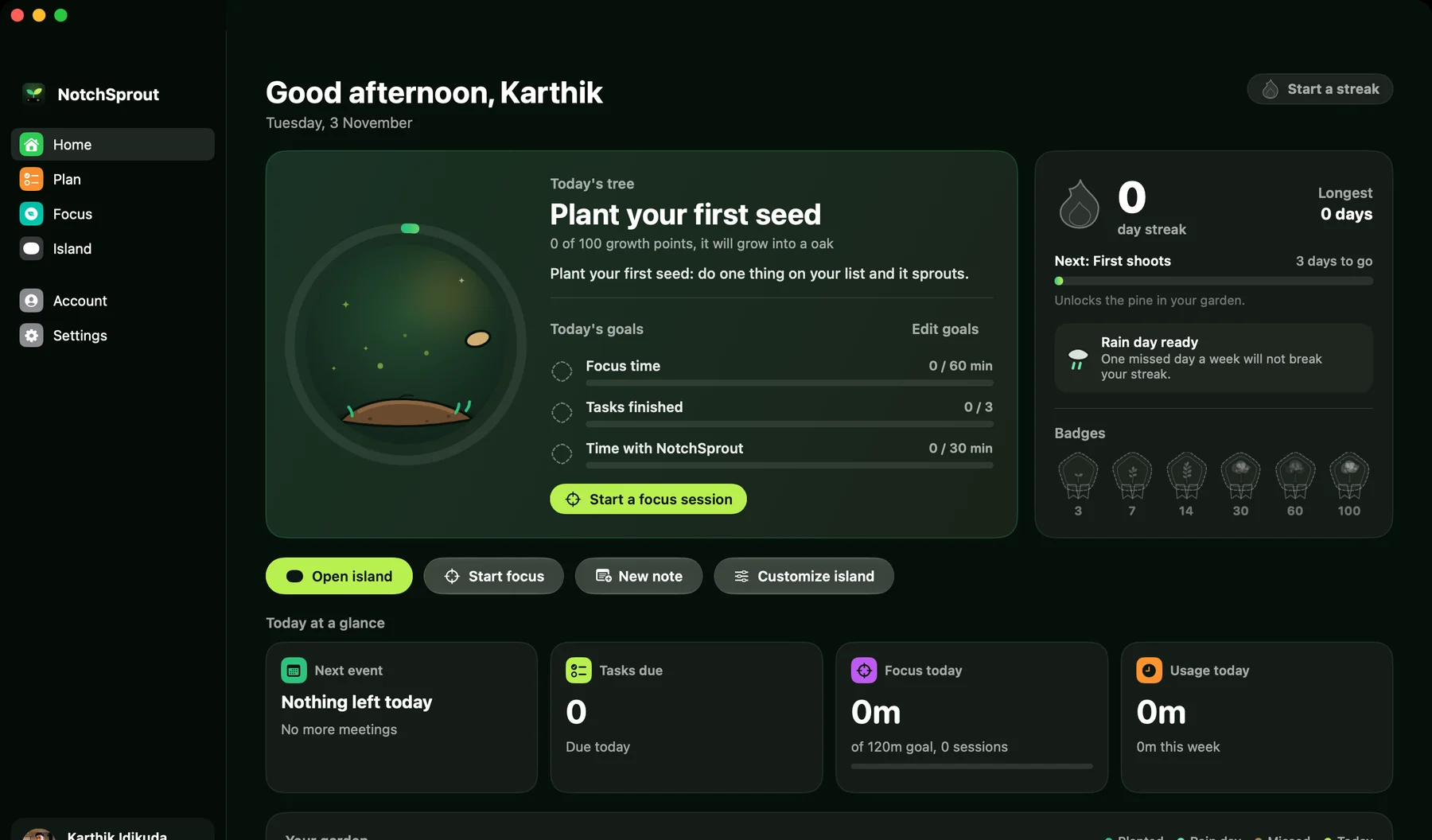
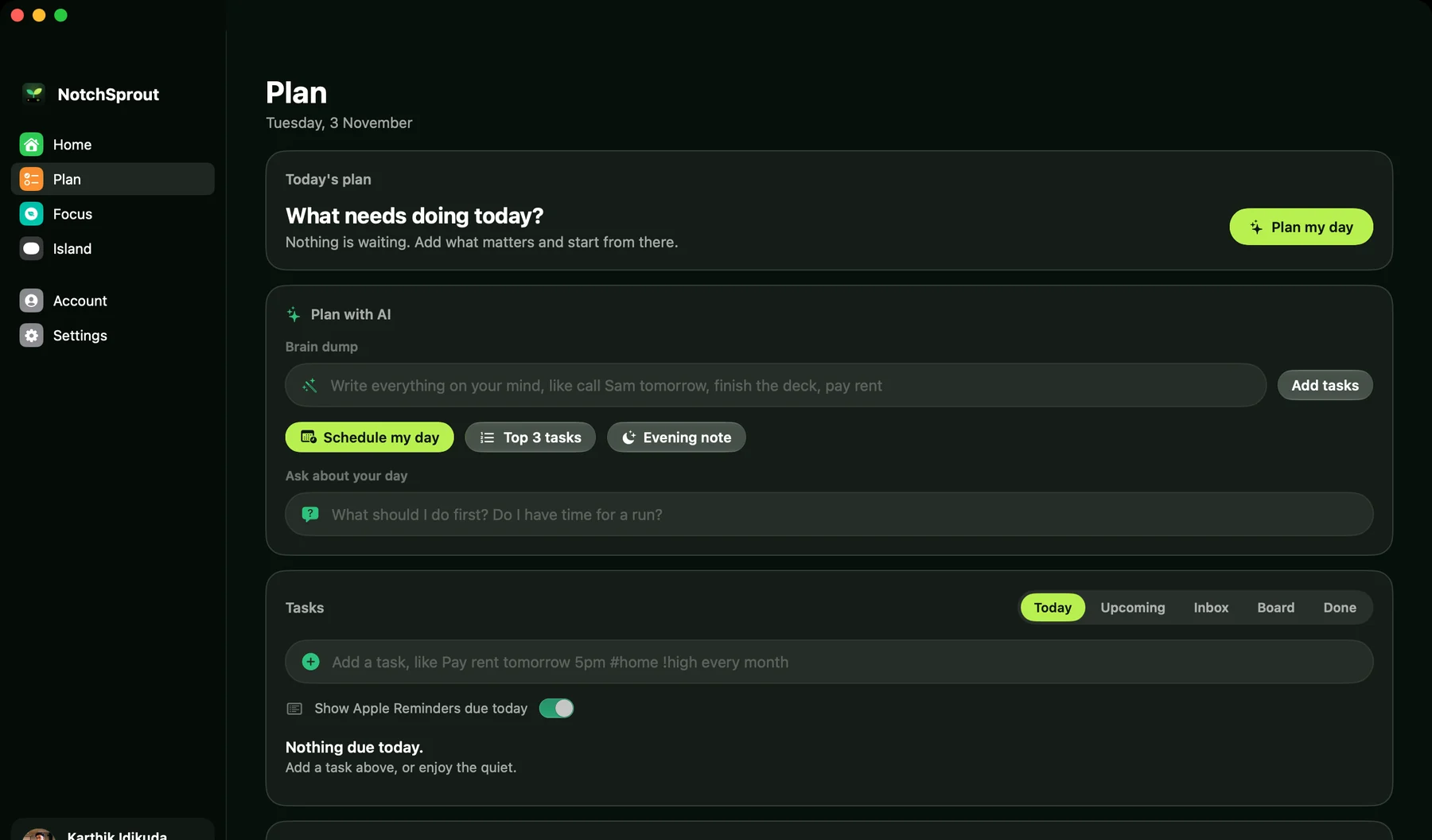
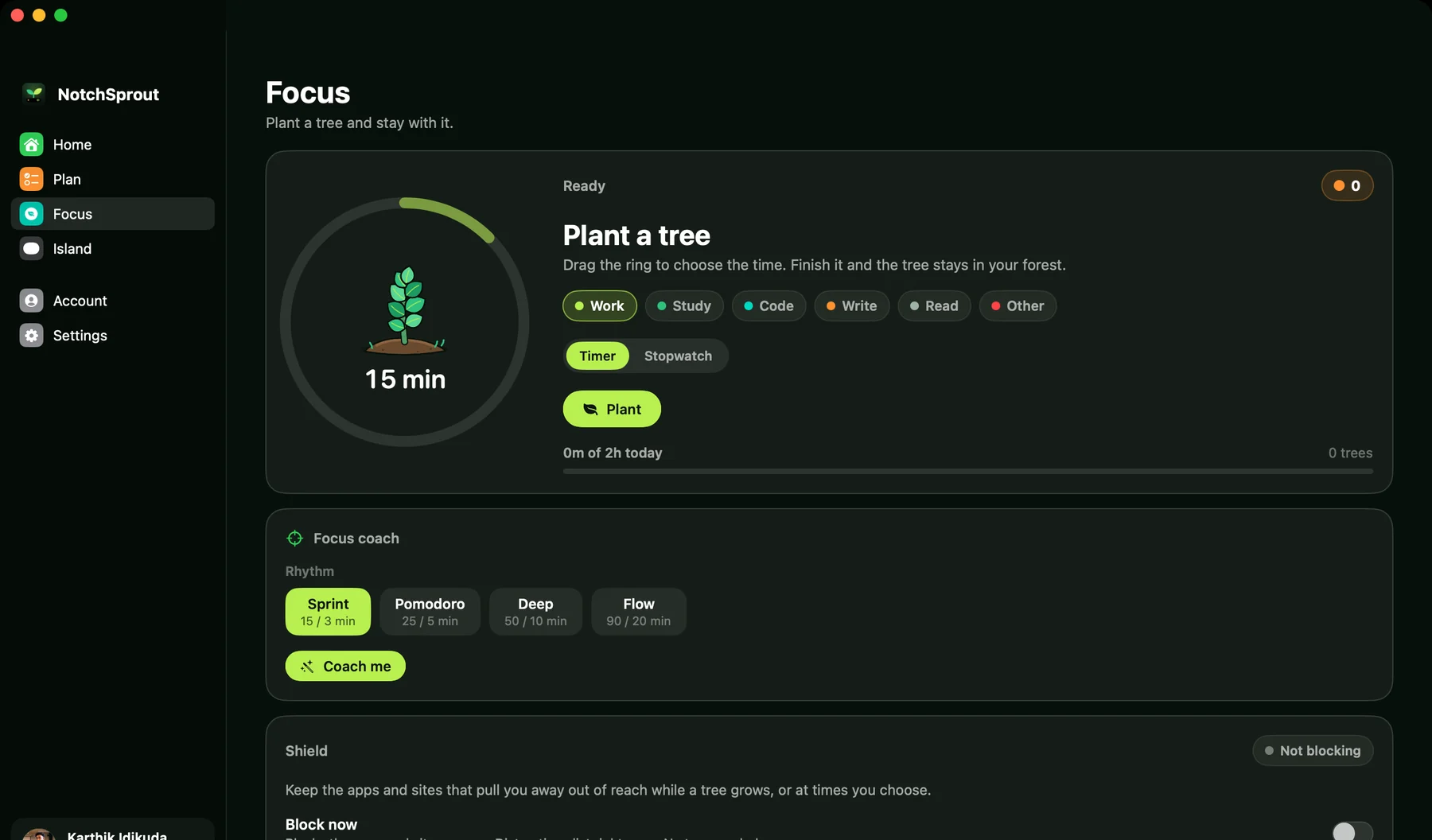
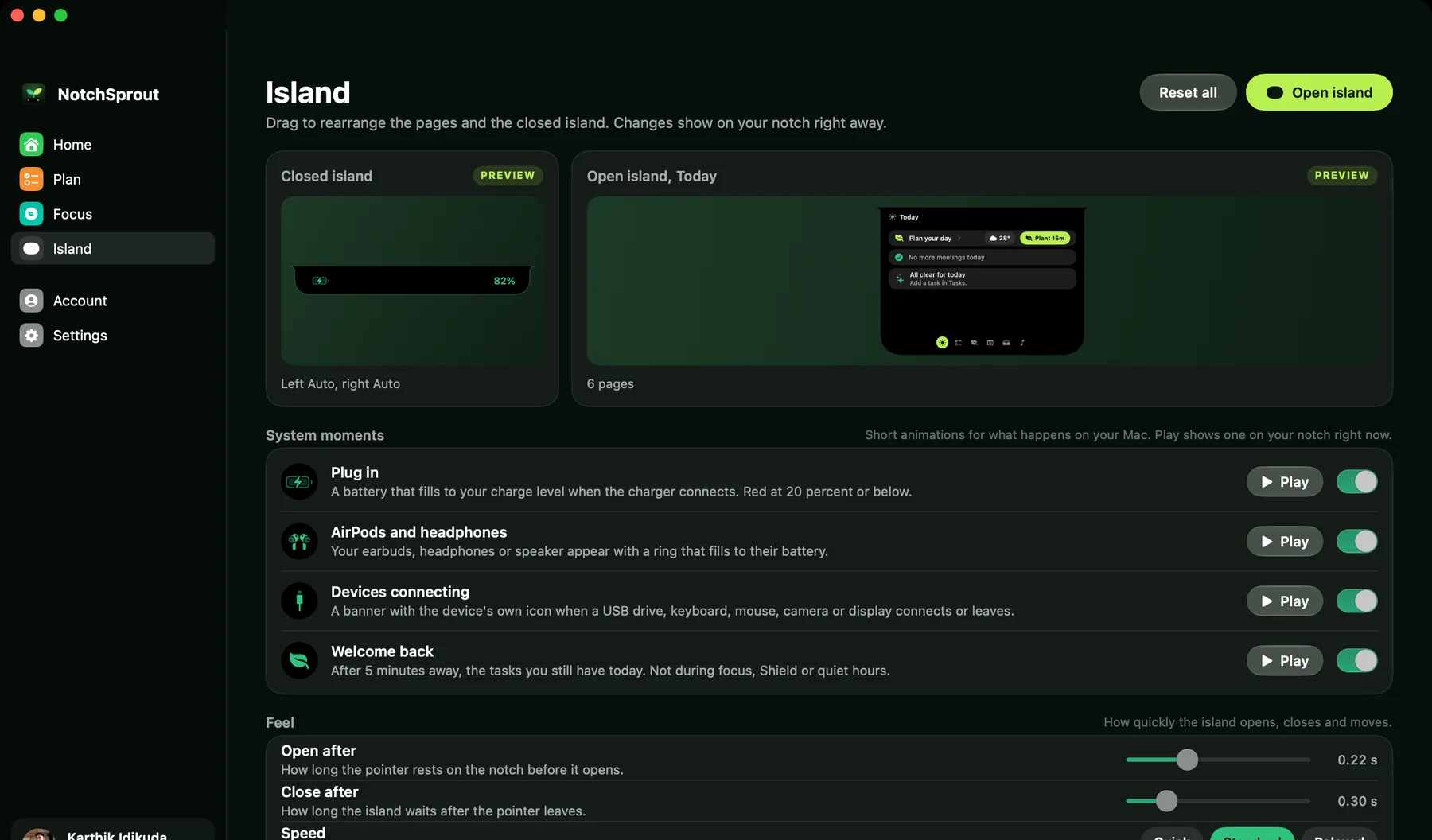
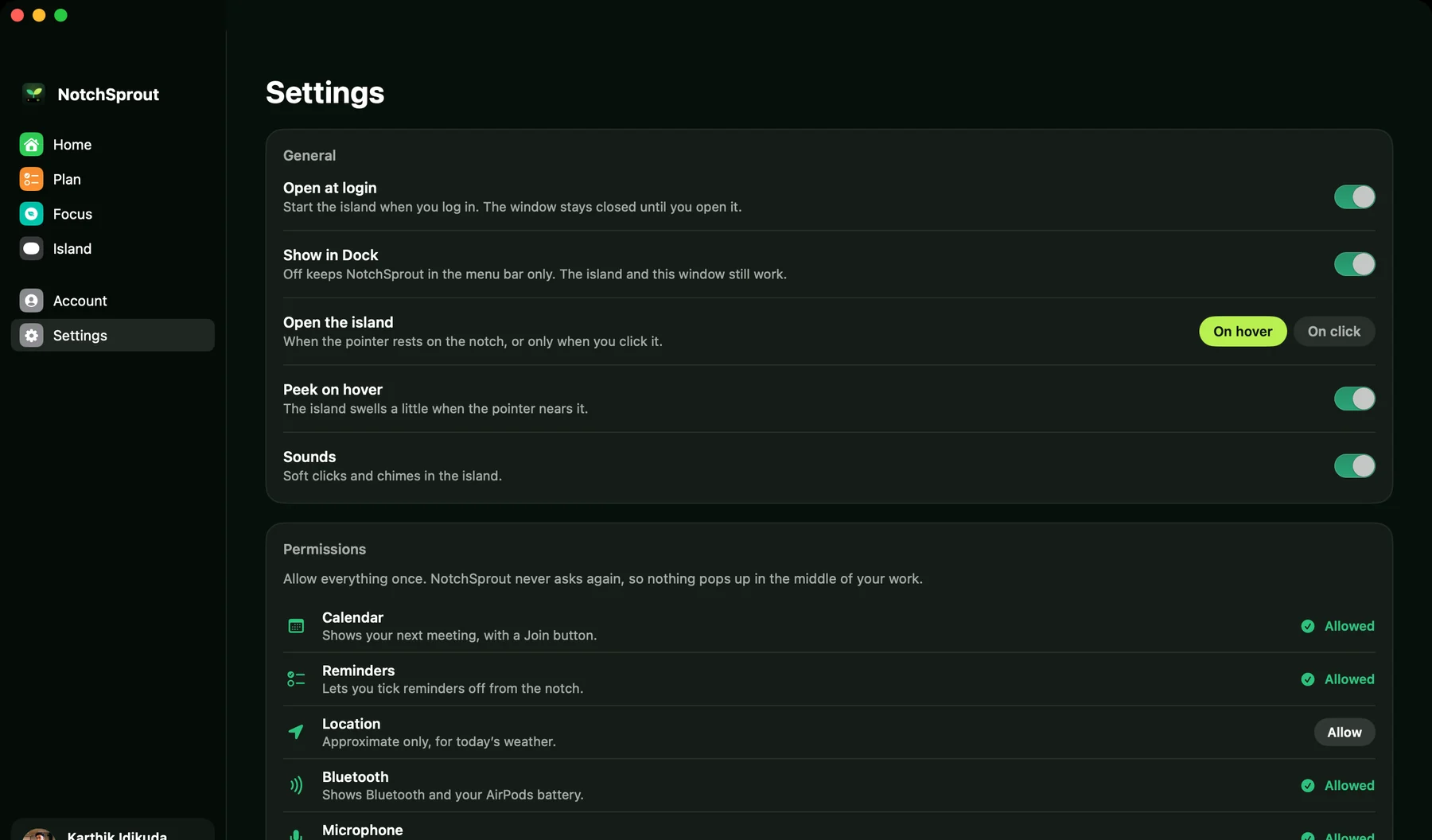
Home. Your garden, your goals and what is next, at a glance.
Connect Gmail and Google Calendar, read only. New mail shows who it is from and the subject, and meetings come with a Join button.
Today's temperature and condition for where you are. It uses your approximate location, rounded to about 11 km.
Everything you copy, kept in memory only. Summarize it, fix its spelling, make it polite, translate it or pull out the to-dos.
Pick from every app installed on your Mac and any website. Block now, or only while a tree grows, or on a schedule.
Plug in the charger, connect AirPods, a USB drive or a display, and the island shows it with the device's own icon.
Rearrange the pages, set how fast it opens and closes, and play every moment as a preview before you keep it.
The full app: everything on this page.
The island for your PC, with no account.
There is no NotchSprout server. What you do stays where you do it.
Tasks, plans, notes, focus history and Shield lists are stored on your computer only. The clipboard history lives in memory and is never written to disk.
Sign in shares just your name, email and picture. Gmail and Calendar can be read but never changed, and you can disconnect them at any time.
The AI helper sends the text for one answer, such as task titles or what you said, and nothing else. Turn it off in Settings and nothing is sent.
Yes. There is nothing to buy and no plan to pick. It is free to download and free to use.
Macs with Apple silicon (M1 and newer) on macOS 14 or later, and Windows 10 or 11 on x64 or Arm. If your Mac has no notch, NotchSprout draws a virtual one at the top of the screen.
On the Mac you sign in with your Google account, and Google shares only your name, email and picture. The Windows app needs no account at all.
This first release is not signed with an Apple or Microsoft certificate yet. On a Mac, open System Settings, then Privacy and Security, and press Open Anyway once. On Windows, choose More info, then Run anyway.
Nothing goes to a NotchSprout server, because there is none. The weather uses your approximate location, rounded to about 11 km. The AI helper sends only the text for one answer, and only when you use it. You can switch it off in Settings.
Yes, lightly. The website uses Google Analytics to count visits, countries and downloads. The apps themselves send nothing to Google Analytics. Visitors in the EU, UK and Switzerland are not tracked unless they allow it.
It is optional. It needs a key for the AI service, and every other feature works without it: the island, tasks, focus, Shield, music, Tray, weather and alerts.
No. Gmail and Google Calendar are read only. NotchSprout can look but never send, change or delete anything, and you can disconnect either at any time.
On the Mac, open Account and choose Delete all my data. It ends every Google permission and erases everything NotchSprout stored. On Windows, uninstall the app and delete its folder in AppData.